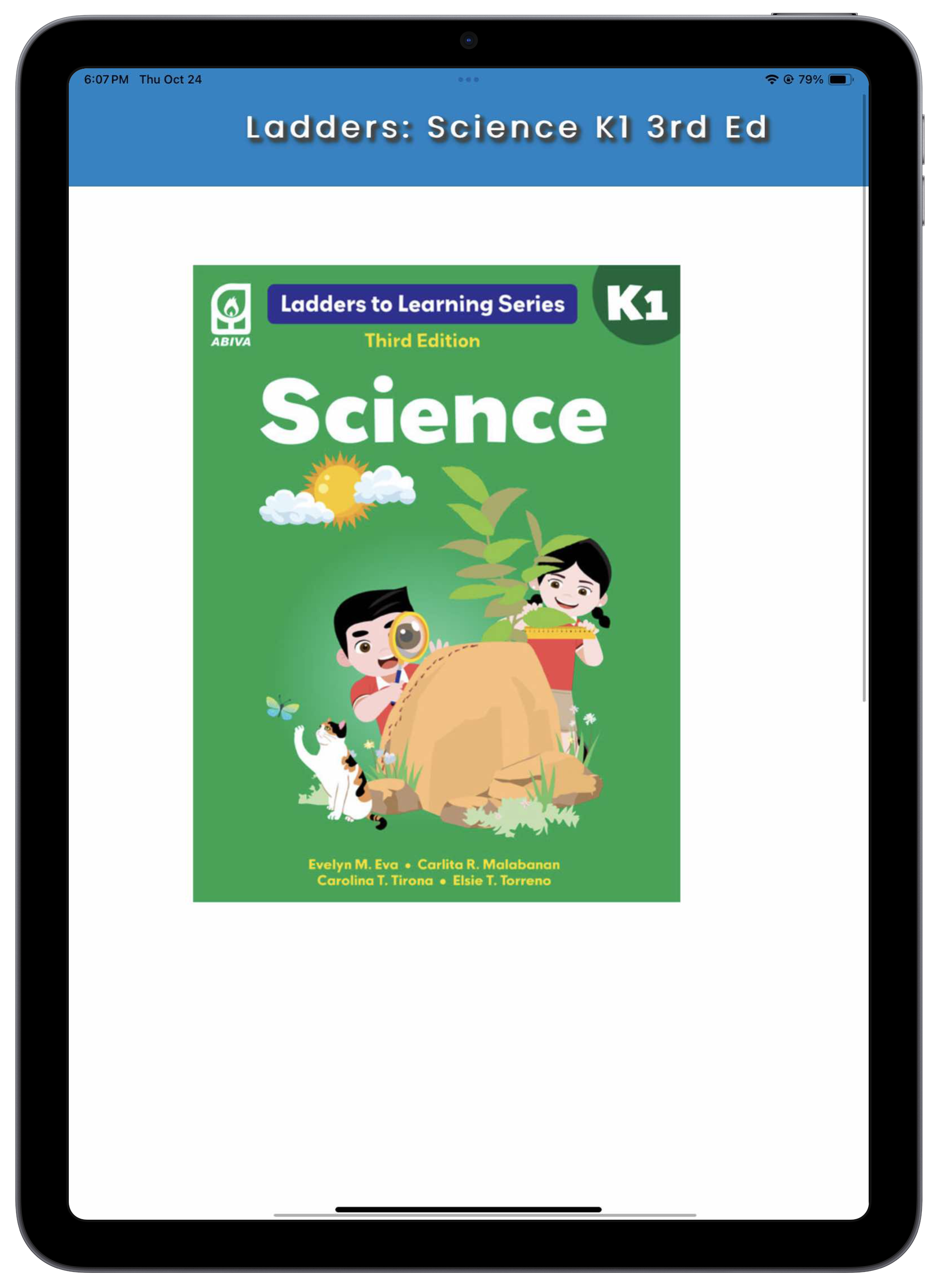
How to Access Your E-book
With the MyEDGE E-book Reader, you can easily access Abiva e-textbooks or e-books, the digital version of Abiva's printed textbooks. In ePub 3 format, Abiva e-textbooks have the same contents as the printed books. The e-textbooks can be accessed online using Web browsers or through the MyEDGE E-book Reader app using mobile devices.


DOWNLOAD AND INSTALL


Best viewed in 7-inch and above (Android or iOS) devices.
Device Specifications
CPU
at least 64 bit quad core 1.6 GHZ
RAM
at least 4 GB RAM
Operating System
iOS 13 or higher / Android 11 or higher
Device Storage
at least 200 MB free space
Preferred Devices
8- or 10-inch iPad / 7- or 10-inch Android tablet
Steps
Step 1
- Open the app and tap Sign Up.
- Fill out the fields in the form.

- Tap Register after filling out the form.
- An OTP notification will be sent to your email address.
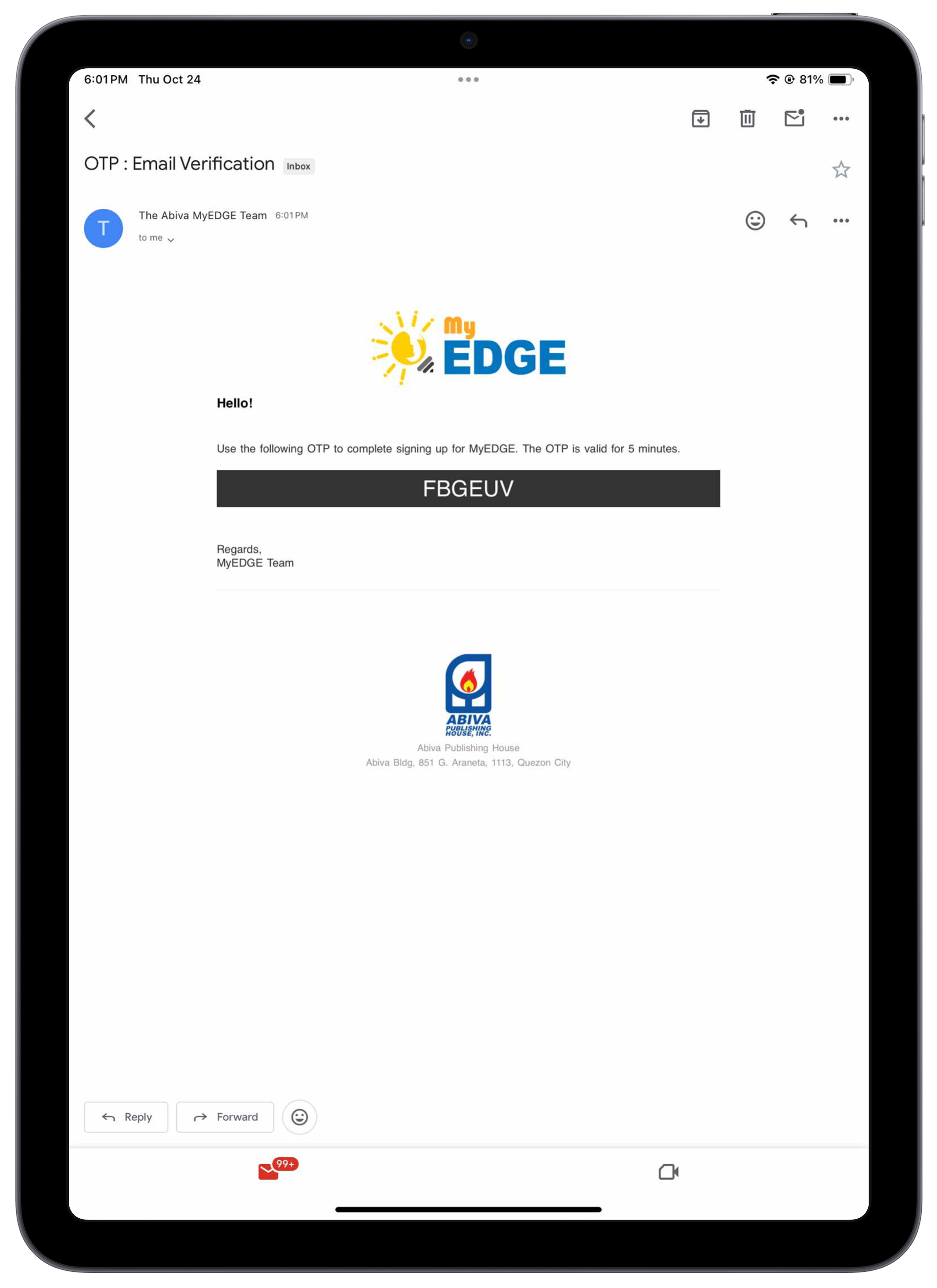
- Enter the OTP from the notification email to activate your account.
- (Check your spam folder if you did not receive any email.)
Step 2
- Email us at ebooks@abiva.com.ph your MyEDGE email/username, school, and the complete title and grade level of your e-book/s. Wait for our confirmation as we activate your e-books for you.
Step 3
- Go to the My Books section.
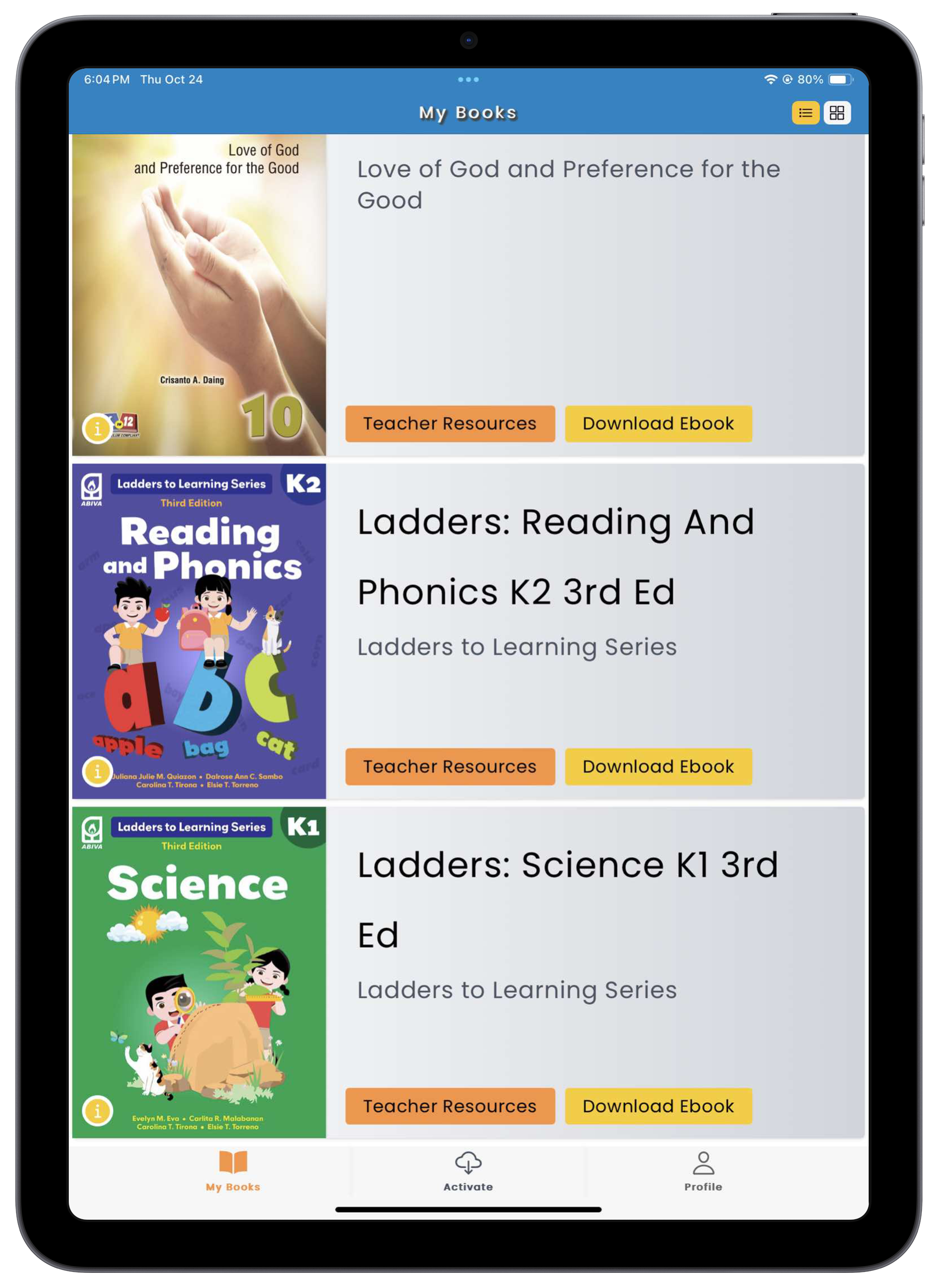
- Tap the Download Ebook button to start downloading your e-books.

- Wait for your e-book to download.
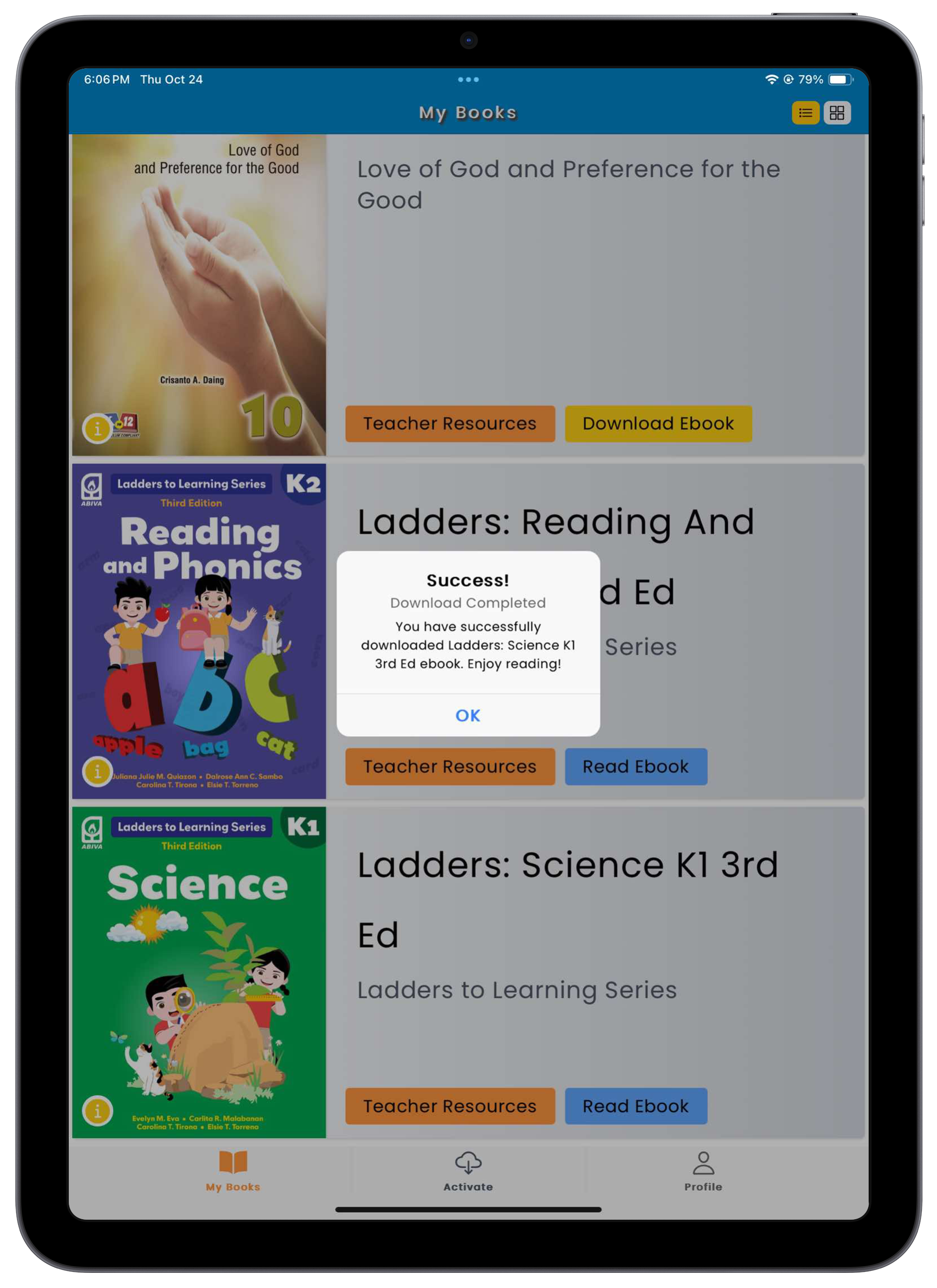
- You may now read your e-book.